

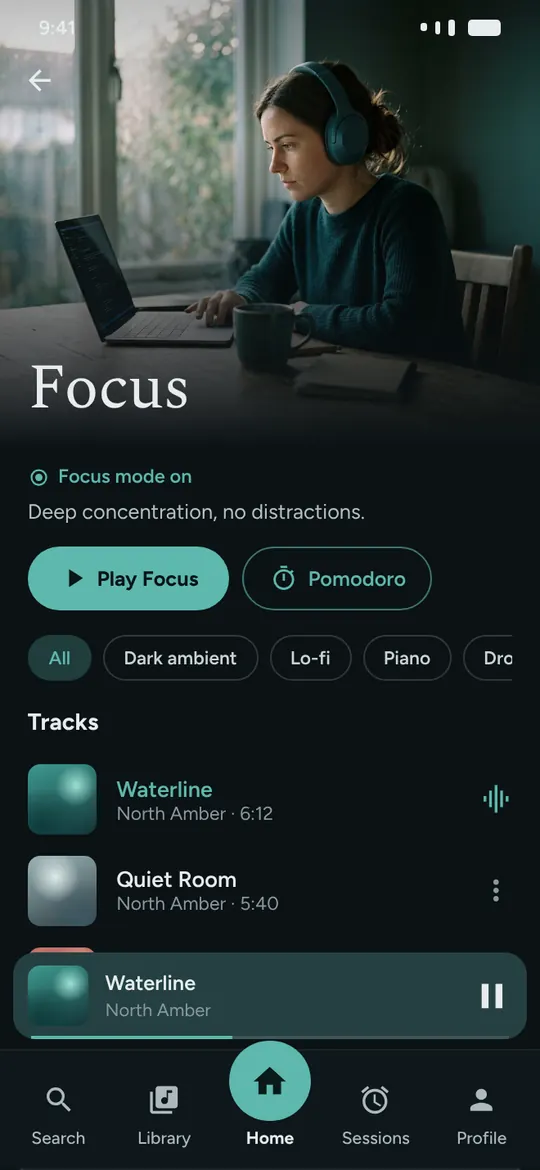
Focus
Deep concentration to work without distractions.
- Dark ambient
- Lo-fi
- Piano
Instrumental music for your mind
Lyric-free tracks for focus, calm, study and sleep, with a Pomodoro timer and sessions that press play right on time. Start free, no card needed.
The problem
You put on music to concentrate and, ten minutes later, you are singing the chorus, skipping tracks or looking for something else to play.
Your brain tries to read and hear words at the same time. One of them loses.
Every gap between songs is an invitation to grab your phone.
Finding the right sound for the right moment becomes one more task in your day.
MindFy solves all three: music without vocals, smooth transitions and a ready-made moment for every part of your day.
What is your moment?
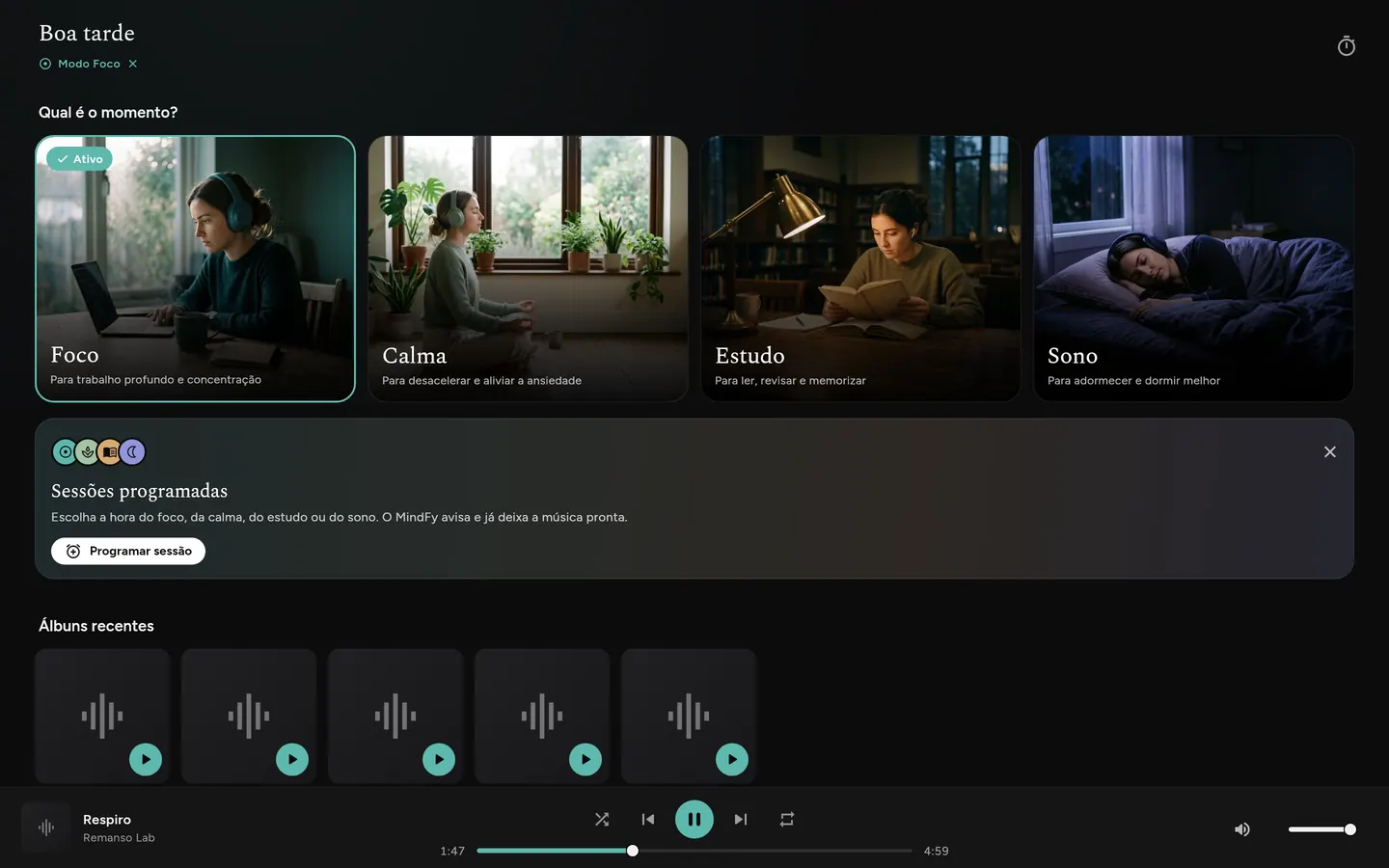
Each moment has its own color and mood. Turn on a mode and the home screen, search and artists show only what suits it. Inside it, filter by style.
Deep concentration to work without distractions.


Sounds to breathe, slow down and ease the day’s anxiety.


A light rhythm to read, review and learn.


Long, gentle tracks to relax and fall asleep.
How MindFy helps
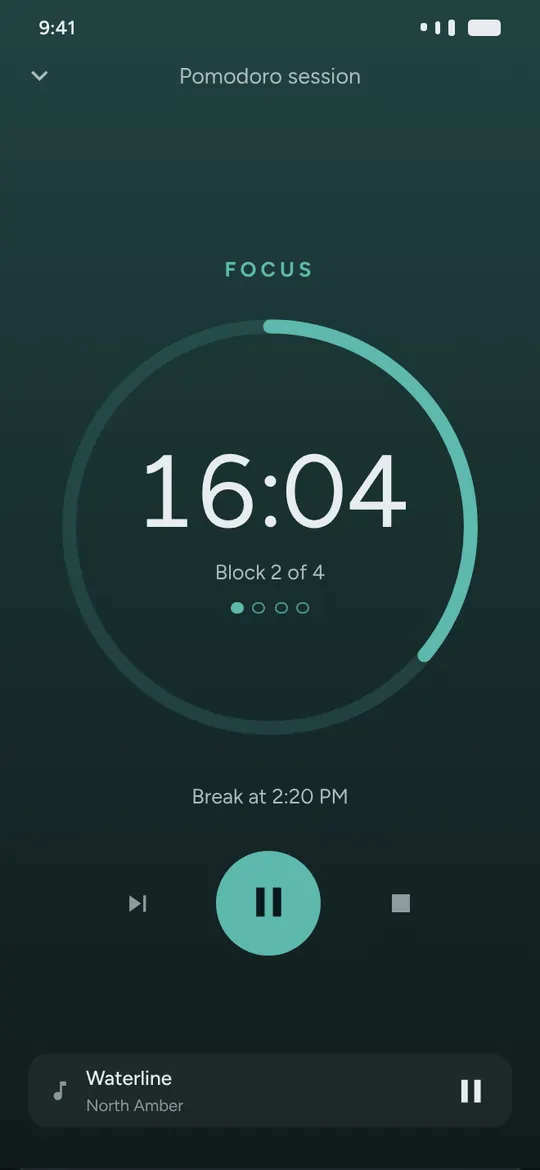
Pomodoro
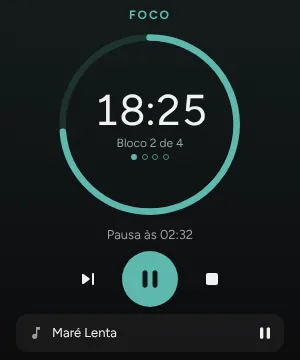
Start focus cycles right from Focus or Study. On breaks, the music fades out, a soft chime plays and it comes back when the next block starts.
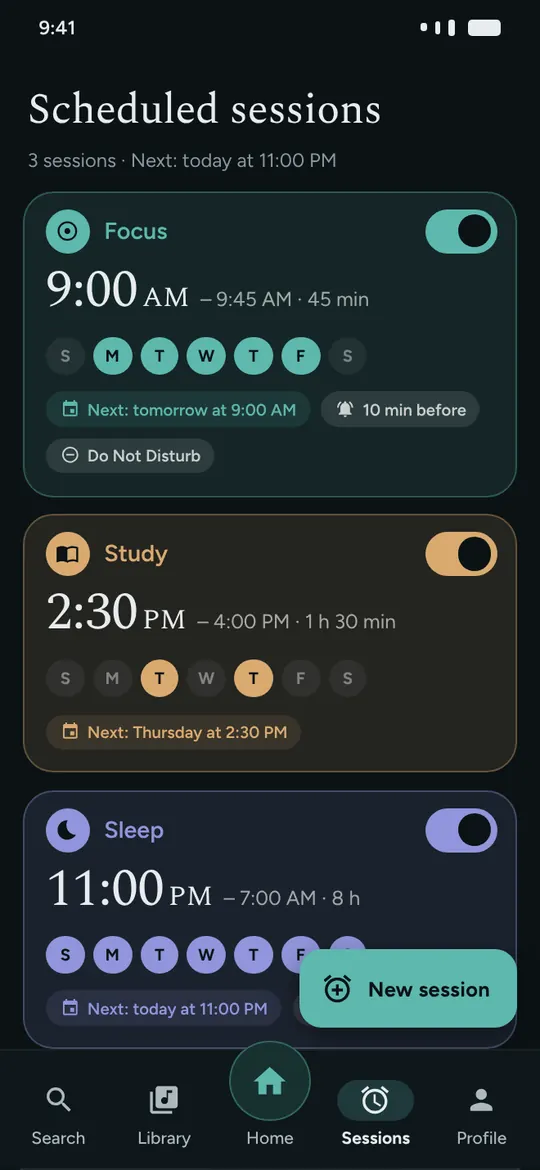
Scheduled sessions
Schedule focus, calm, study or sleep sessions for the days and times you want. MindFy reminds you with the music ready to play.
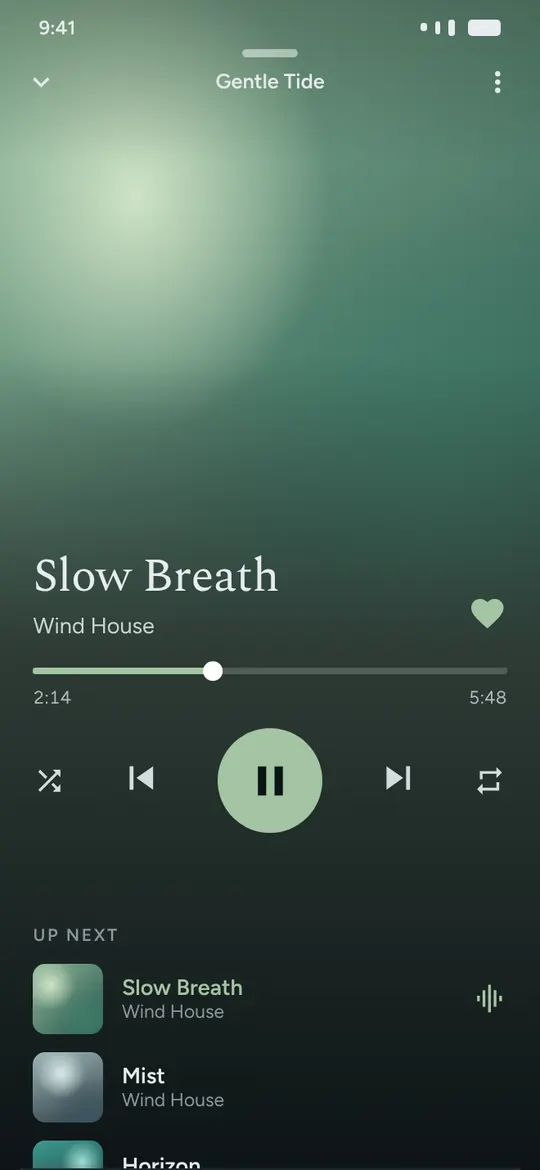
Player
One track flows gently into the next, with no silence and no jolts. Control everything from the lock screen, the notification or your headphones.
Your way
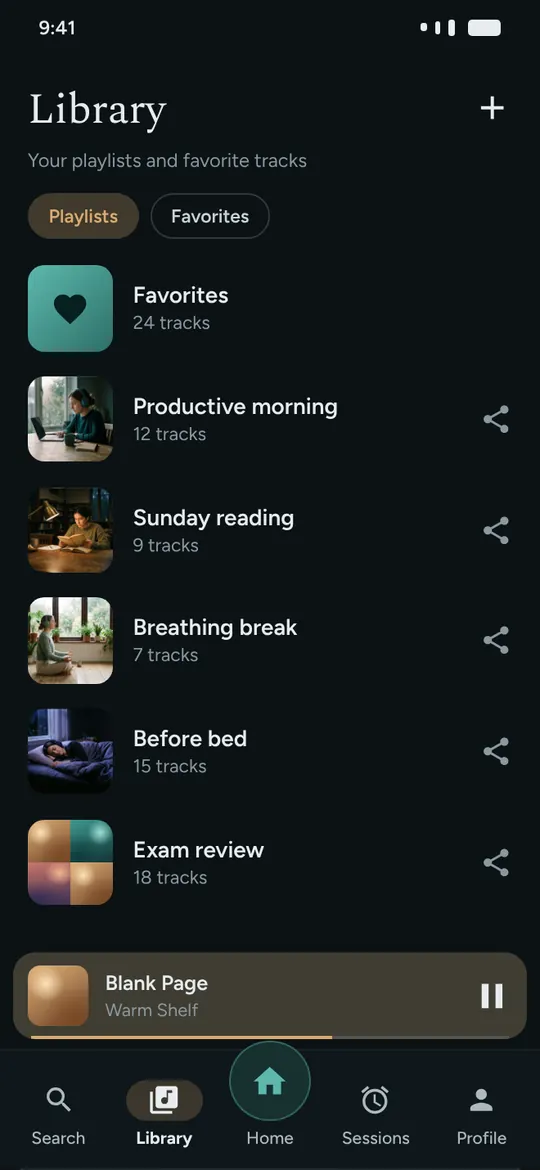
Build playlists with a cover photo, keep your favorites and send them to anyone who needs a bit of focus or calm.
Also in your browser
Open MindFy in your browser and pop the Pomodoro or the player into a floating window. It stays visible over your spreadsheet, editor or class, without switching tabs.
How it works
Focus, Calm, Study or Sleep. If you like, filter by style: lo-fi, piano, dark ambient.
Play now, start a Pomodoro or set a session for tomorrow at 9 AM.
Crossfade, automatic breaks and headphone controls. You only think about the music when you want to.
Plans
The free plan already includes the four moments, the Pomodoro and scheduled sessions. Premium removes the limits.
To get to know it and use it every day.
Monthly or yearly. Cancel anytime.
The price is shown in the app, in your local currency.
FAQ
Yes. You can listen to all four moments for free, with ads, and schedule sessions and use the Pomodoro. Premium, monthly or yearly, removes ads and unlocks the full catalog.
On Android, with the app from Google Play, and on any computer or phone in the browser. The same account works on both, with your playlists and favorites.
On the free plan, playback in the app pauses when the screen is off. With Premium, the music keeps playing in the background and with the screen off.
The tracks are composed with the help of AI and curated by our team before they join the catalog. All of them are instrumental, with no vocals competing for your attention.
Anytime, in the subscriptions of your Google Play account (on Android) or in the subscription area of the web app. You keep Premium until the end of the paid period.
No. MindFy helps create a calm environment to focus, relax and sleep, but it is not medical treatment. If anxiety or insomnia is affecting your life, see a health professional.

Your next focus block starts in less than a minute. It is free and needs no card.